
Japanese Ecommerce Essentials
Of what Japanese ecommerce expects, everything a theme can own is built in as a theme feature. Things that require a connection with carriers, such as printing shipping labels, are left to dedicated apps.
Gift wrapping (noshi), inscriptions, and packaging
Section titled “Gift wrapping (noshi), inscriptions, and packaging”Shoppers choose the inscription (a thank-you, a celebratory return gift, and so on), whether the noshi (the traditional paper attached to Japanese gifts) goes inside or outside the wrapping, the packaging type, name imprinting, and a message in the product page’s purchase form. The setting is Theme settings → Gifts and noshi → Gifts and Noshi
- The fields appear inside the product page’s purchase form, not in the cart
- The choices are carried into the cart and the order as details attached to each item added to the cart. You can see them in the order details in the admin
- When turned on, the fields appear on every product. There is no per-product on/off switch
Preferred delivery date and time
Section titled “Preferred delivery date and time”The cart page and the cart drawer can show fields for a requested delivery date and time slot (from v1.1.5). They are off by default.
Settings: Theme settings → Delivery calendar
- Let customers request a delivery date and time slot: turns the fields on. Customers can still check out without choosing
- Latest selectable day (from the earliest arrival): how many days after the earliest arrival customers can pick. The default is 7 days. Match your carrier’s limit
- Selectable time slots: comma-separated. The default is the five slots that Yamato Transport, Sagawa Express, and Japan Post all accept (morning, 14–16, 16–18, 18–20, 19–21)
The selectable days come from the same Delivery calendar (Same-day dispatch cutoff and Closures: closed weekdays, additional closure days, and the year-end closure), the bundled Japanese public holidays, and the longest handling time among the items in the cart. If a customer picks a closed day, the field shows “We do not dispatch on that day. Please choose another date.”
- The choice is kept on the order as attributes (
delivery_date,delivery_time_slot) and shown in the order details in the admin - It is not added to order confirmation emails automatically. To show it, add the following to the template under Shopify admin → Settings → Notifications → Order confirmation
{% if attributes.delivery_date %} <p>Requested delivery: {{ attributes.delivery_date }} {% if attributes.delivery_time_slot %} / {{ attributes.delivery_time_slot }}{% endif %}</p>{% endif %}- Time slots are saved as codes such as
amor14-16 - The shipping prefecture is decided at checkout, so the earliest arrival shown in the cart is an estimate
- The theme does not send the choice to carriers, print shipping labels, or change the date after the order. Use a dedicated app when you need those (for example, 配送日時指定 .amp or 配送日指定.JP, or Ship&co for labels)
- The AI chat (Hellostore AI Staff) answers delivery questions from the closures set in the app. Keep the theme and the app the same
Visible shipping costs
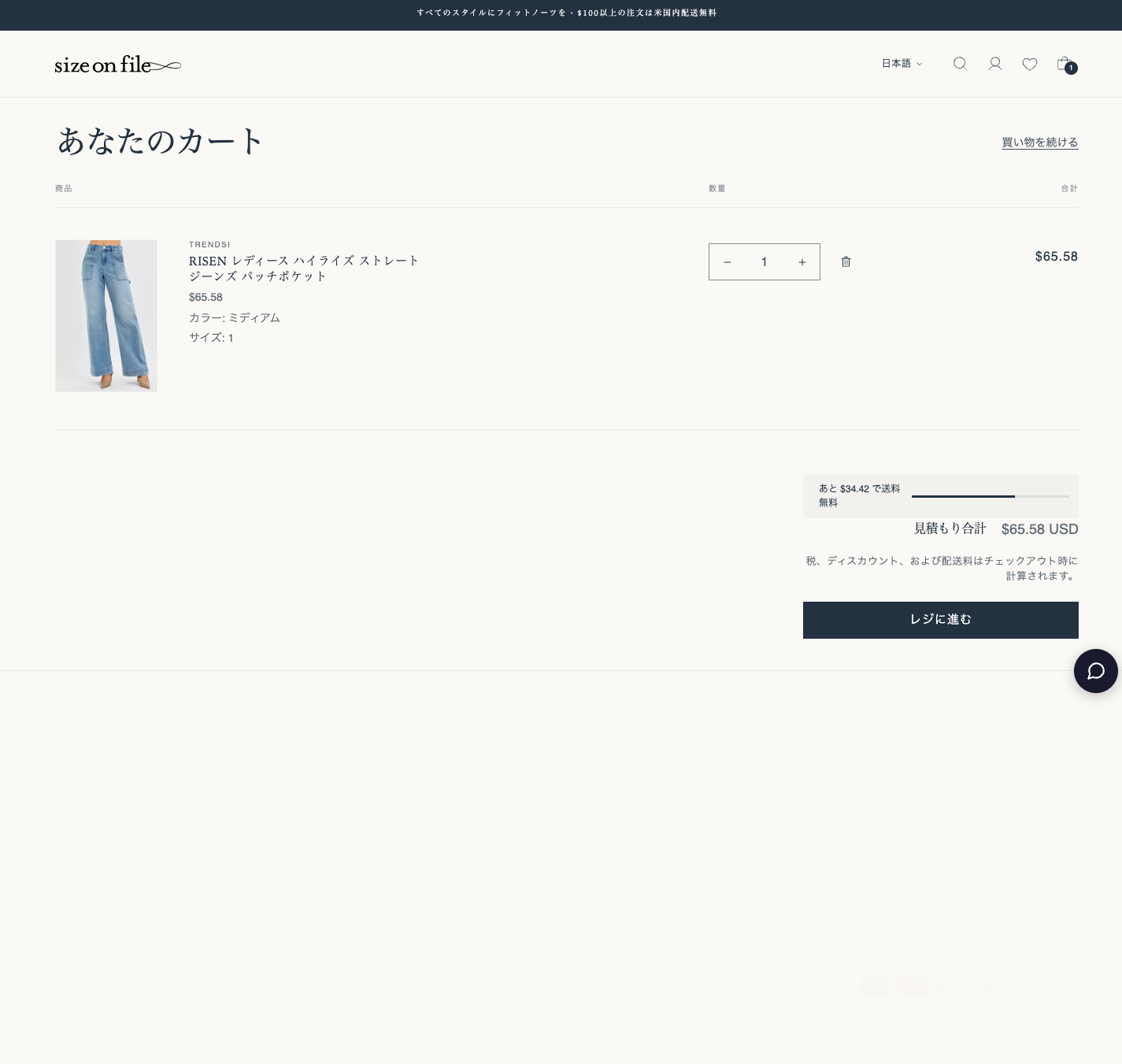
Section titled “Visible shipping costs”An “only ¥X to free shipping” bar resolves shipping-cost anxiety — a major cause of cart abandonment — up front. The setting is Theme settings → Cart → Free shipping amount. Enter the amount multiplied by 100 (for example, 500000 for 5,000 yen). Empty or 0 hides the bar. The bar is also hidden when the cart’s currency differs from the store’s currency (for example, for a shopper in an international market), so it never promises the wrong amount.
Showing delivery and shipping fees
Section titled “Showing delivery and shipping fees”- Table of fees and delivery times — regional shipping fees and delivery times can be shown as a table with the Shipping information section
- Guidance below the buy button — shipping, payment methods, and a link to the return policy are shown with Purchase information
- Delivery promise badge — shows an estimated arrival range on the product page using the handling and transit minimum/maximum days and the store clock → Delivery promise badge
Large variant matrices
Section titled “Large variant matrices”For products with many variants (combinations of color, size, and so on), options can be shown as a dropdown instead of buttons. By default the switch happens automatically for products with 100 or more variants. The setting is Theme settings → Product option display → Product option display
Search suggestions on Japanese pages
Section titled “Search suggestions on Japanese pages”Typing in the header search box shows a list of suggested products. Shopify’s built-in search suggestions (predictive search) do not support Japanese pages, so on their own they show no suggestions there at all. Hellostore Theme fills the gap on pages in languages the standard suggestions do not support (Japanese is one): it shows up to four product suggestions taken from the regular search results. Product names and links stay on the Japanese pages.
- Nothing to set up. Whether suggestions appear, and whether they show the vendor and price, follows Shopify’s Theme settings → Search suggestions (Search suggestions, Product vendor, Product price)
- Pages in languages that Shopify’s search suggestions support, such as English, keep using the built-in suggestions
- On Japanese pages the suggestions are products only (no keyword, collection or page suggestions). “Search for …” below the list opens the full results, which include articles and pages
Specified Commercial Transactions Act disclosures
Section titled “Specified Commercial Transactions Act disclosures”Enter the legally required disclosures (seller information, return terms, and so on) under Settings → Policies in the Shopify admin; Shopify generates and serves the policy page itself. No theme setting is involved